Author: Ehatesham Huseni

  • PayTm  BigBasket Cashback Offers 15% CB with PayTm wallet

    PayTm BigBasket Cashback Offers 15% CB with PayTm wallet

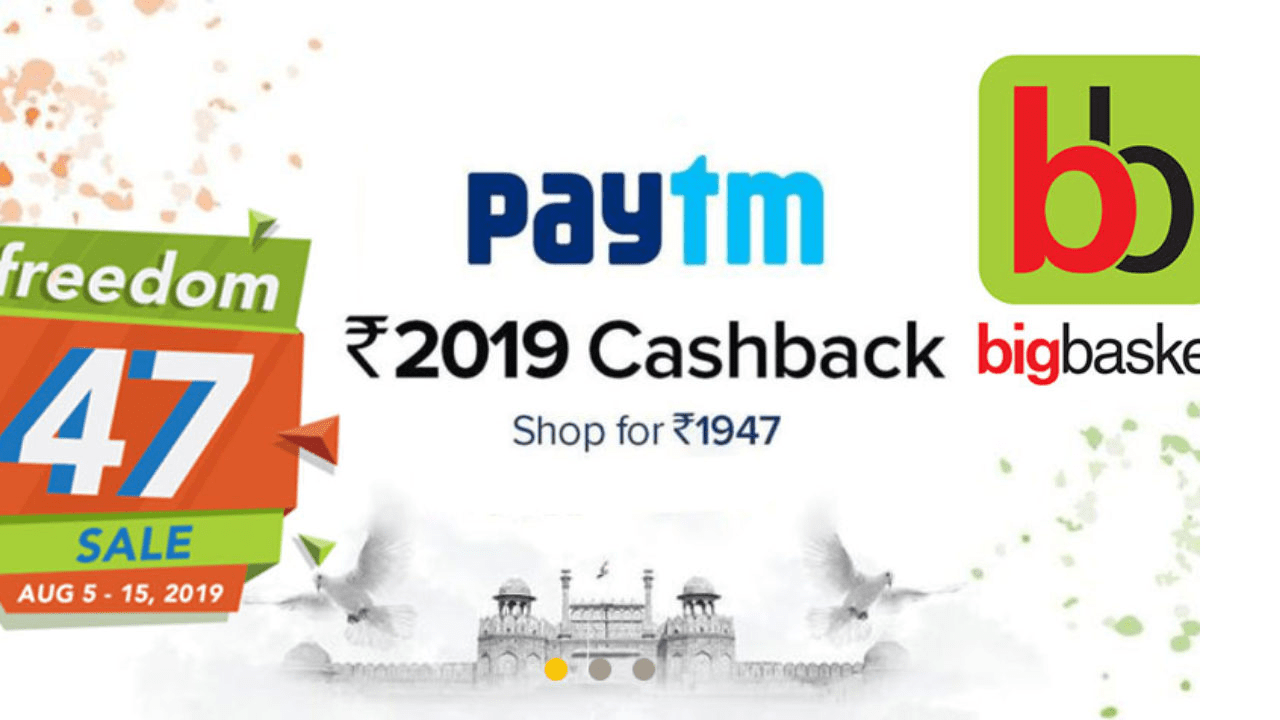
    Paytm BigBasket Cashback Offers when you pay via paytm wallet you get 15% Cashback in your paytm Wallet. Paytm Bigbasket Cashback Offer

    PayTm BigBasket Offers Terms and Conditions

    • Max Cashback Rs.75
    • Offer Valid only on 25/05/2016 from 4 P.M to 6 P.M
    • Minimum transaction of Rs 500 is required for this offer
    • Offer valid on only one transaction
    • Cashback will be cancelled for full refunds and cancellation of orders
    • In case of partial refunds, cashback will be rolled back in the same proportionate amount

    About PayTm cashback:-

    • PayTm cashback can be used to pay all PayTm services. Such as Recharge (Mobile Recharge, DTH Recharge & Data Card recharge), Bill Payment (PostPaid mobiles, LandLine, Electricity & Gas), Bus Ticket booking and shopping products over 500+ categories.

    How to Avail Paytm BigBasket Cashback Offer+?

    1. Visit Bigbasket | Offer Source
    2. Choose product > Add product to cart.
    3. Login or register.
    4. Update or select shipping detail.
    5. Select Paytm Wallet as payment method.
    6. Make payment.
    7. Once get cashback use that to shop again or recharge.
  • Mobikwik Double Flash Sale 200% Cashback

    Mobikwik Double Flash Sale 200% Cashback

     
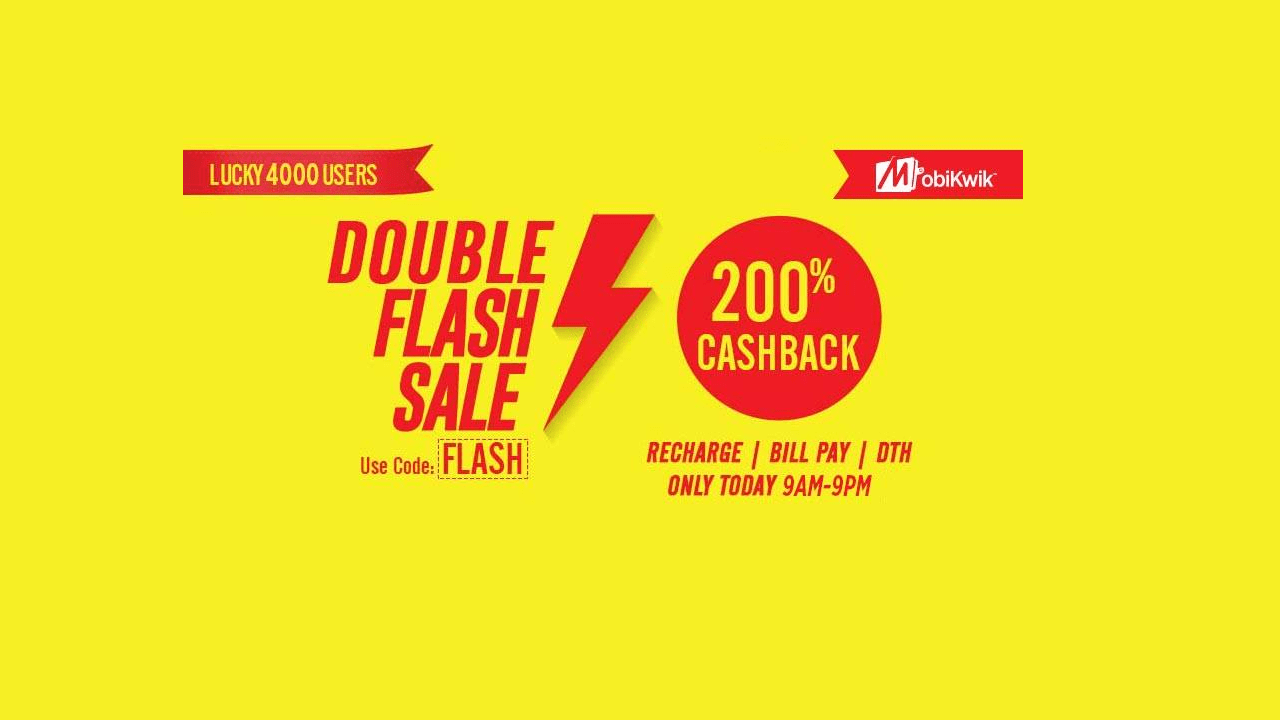
    Mobikwik Double Flash Sale 200% Cashback. Mobikwik Offering Double Flash Sale Lucky 4000 Users get 200% Cashback on Recharge, Bill Payment and DTH Recharge Offer Valid 25th April 6 PM to 11:59 PM

    How to Avail Mobikwik Double Flash Sale:

    1. Download  or Open Mobikwik App (Android | iOS) | Offer Source
    2. Make Recharge
    3. Apply promo code: FLASH 
    4. That’s it, if you are in lucky 4000 users, you will get 200% cashback upto Rs. 200 in 72 hours

    Offer Terms and Conditions–

    • (To be updated)
  • Dailyhunt Freecharge Cashback Offer: Get 100% Cashback

    Dailyhunt Freecharge Cashback Offer: Get 100% Cashback

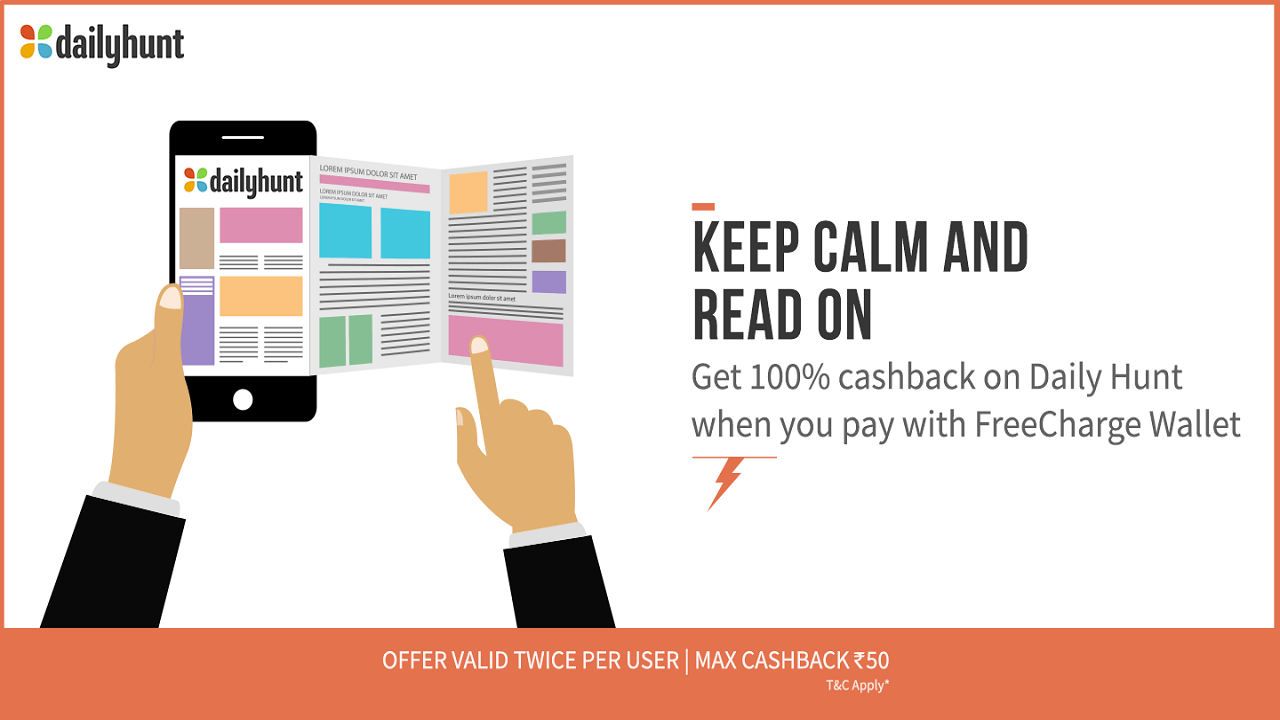
    Dailyhunt Freecharge Cashback Offer: Get 100% Cashback. DailyHunt news app has a great offers when you pay via freecharge wallet you get 100% Cashback in your Freecharge wallet using follow the below steps. your own bookshop only on daiyhunt news app. Daily Hunt is a mobile application for the newspapers in their regional language. It’s India s favorite mobile news application and largest publisher of regional language content. Now for limited time Daily Hunt offering 100% cashback upto Rs. 30 with Freecharge wallet purchase.

    How to get Dailyhunt Freecharge Cashback Offer 100% Cashback :

    1. Go to Dailyhunt app page
    2. Click on Install button
    3. Pay Via Freecharge Wallet and get 100% Cashback (upto Rs.50)

    T&C :

    • Valid for twice
    • Maximum cashback Rs.50
  • Paytm Metro Card Recharge Offers : 10% Cashback

    Paytm Metro Card Recharge Offers : 10% Cashback

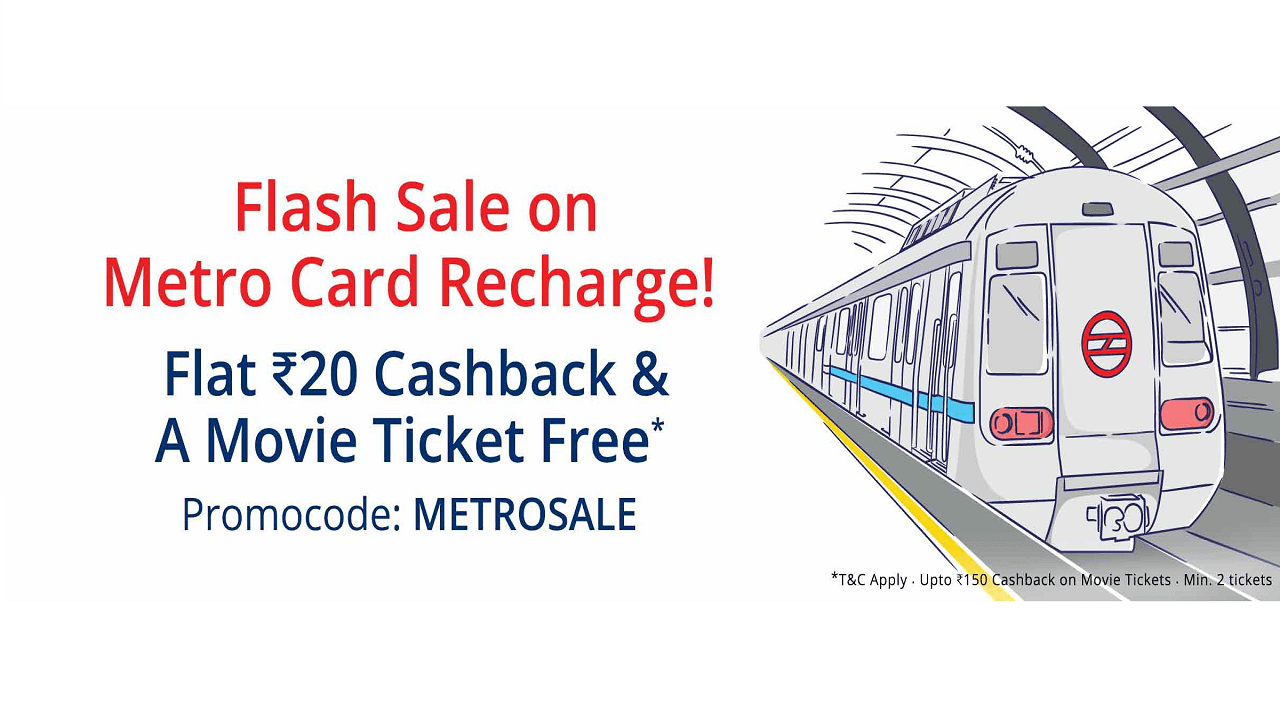
    Paytm METRO Card Offer Mumbai or Delhi Users. Paytm is offering flat Free 10% Cashback on metro card recharge mumbai users. this is an amazing offers. you can get upto rs 100 cashback on metro card recharge. this offer can be used 3 times so you can get upto 300 cashback offer is valid for all users. Paytm is offering flat 4% Cashback on metro card recharge delhi users. you can get upto rs 40 cashback on metro card recharge. this offer can be used 3 times so you can get upto 120 cashback offer is Valid for All users. Valid on Web and App.

    How to Metro Card Recharge at PayTM :-

    1. To metro card recharge Click here
    2. Select Operator Delhi Metro | Mumbai Metro
    3. Enter Your Card Number and Amount
    4. Copy Coupon Code.
    5. Proceed to recharge.
    6. Enter Coupon code if Required
    7. Make the final payment.

    Note :

    • 1. Your Metro Card Balance cannot exceed Rs.1000. Please recharge accordingly.
    • 2. After your order is successful at Paytm, please tap once on “Add Value Machine(AVM)” at any Delhi Metro station to credit recharge amount into your card.

    About PayTm cashback:-

    • PayTm cashback can be used to pay all PayTm services such as Recharge (Mobile Recharge, DTH Recharge & Data Card recharge), Bill Payment (PostPaid mobiles, LandLine, Electricity & Gas), Bus Ticket booking and shopping products over 500+ categories.

    Paytm Metro Card Recharge Offers Delhi Users Flat 4% Cashback Maximum Cashback Rs 40

    Terms & Conditions

    • Flat 4% Cashback on Delhi Metro Card Recharge.
    • Maximum Cashback is Rs. 40.
    • Promocode can be used 3 times per user .
    • A card can be recharged only 3 times using this campaign.
    • Code is valid only on Delhi MetroCard Recharge.
    • Cashback is credited within 24 hours of the transaction into user’s Paytm Wallet.
    • Valid for All users.
    • Valid on Web and App.

    Paytm Metro Card Recharge Offers Mumbai Users Flat 10% Cashback Maximum Cashback Rs 100

    Terms & Conditions

    • Flat 10% Cashback on Mumbai Metro Card Recharge.
    • Maximum Cashback is Rs. 100.
    • Promocode can be used 3 times per user .
    • A card can be recharged only 3 times using this campaign.
    • Code is valid only on Mumbai Metro.
    • Cashback is credited within 24 hours of the transaction into user’s Paytm Wallet.
    • Valid for All users.
    • Valid on Web and App.

    Paytm Metro Card Recharge Online

    Be a smart traveler, now recharge your smart card online at Paytm. Once a tiring task is now a few steps hassle-free job. Recharging your metro card in peak hours leads to a lot of delay due to the huge rush of commuters, waiting to recharge their smart cards. Paytm has come-up to your rescue, now you can do a quick-top up from the comfort of your home or office through desktop or mobile through our online metro card recharge service. Online metro card recharge can be easily done with Paytm.com.

    Paytm Recharging Metro Cards is Easier

    Everyone wants to avoid those enormous queues of recharging the metro card, so why not go for online recharge facility. Welcome the online metro card recharge service and bye to the long queues.
    All you need to do is just login to Paytm.com, enter the unique number provided at the back of your card and recharge your metro card online in minutes. After this you need to visit the AVM (Add Value Machine) at Metro Station, Show your metro card on AVM & press add value button, balance would be instantly added to the Metro card. Paytm offers you the convenience of recharging smart card online effortlessly. You get the comfort of choosing from various payment options like Debit/Credit, Net Banking or Paytm Wallet. So, save time and recharge metro card easily.
    If you need any assistance, we are happy to help you. Our Customer Service representatives are available 24 hours a day to assist you!
    So, now opt for Paytm’s metro card recharge online service and no need to queue-up at the stations!
  • Flipkart Happy World Book Day Offers and Contests

    Flipkart Happy World Book Day Offers and Contests

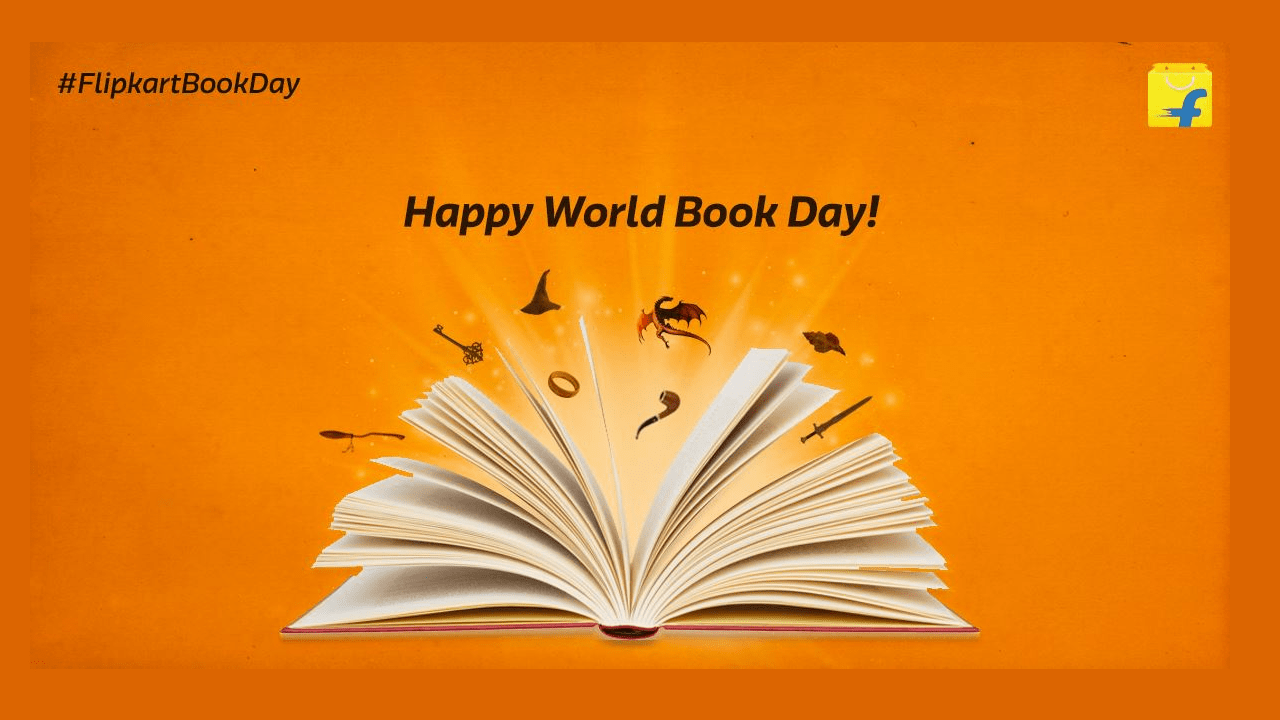
    Flipkart Happy World Book Day Offer. Happy ‪#‎WorldBookDay‬! We’re running a contest on Twitter just for book lovers. Five Rs. 1000 vouchers up for grabs. Participate here: http://bit.ly/1U9wc1b Calling all book lovers! Our #FlipkartBookDay contest gets started at 2PM. Vouchers to be won! Here are the T&Cs.

    How to Avail Flipkart Happy World Book Day:-

    1. Click Here and go to Twitter | Flipkart
    2. Login/Signup
    3. Contest Start 2PM and 9 PM End
    4. 5 Lucky Winners will win Rs 1000 Vouchers
  • Freecharge Hungama Cashback Offer Get 100% Cashback

    Freecharge Hungama Cashback Offer Get 100% Cashback

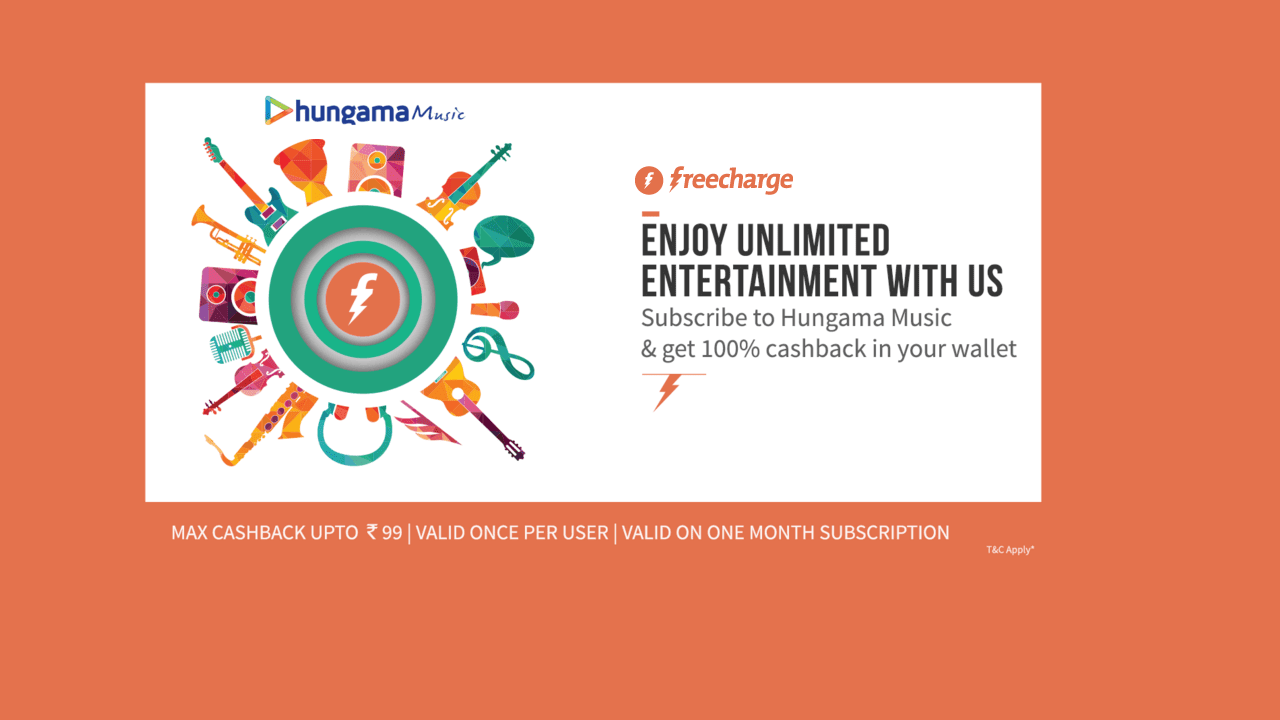
    Freecharge Hungama Cashback Offer Get 100% Cashback. Freecharge Wallet Hungama Music Get Free Cashback Offer. Hungama App Free Single Month Subscription pack worth Rs 99 when paid via freecharge wallet and get 100% Cashback

    How to Avail Freecharge Hungama Cashback Offer:

    1. Download Hungama Music Android app | Offer Source
    2. Login or register
    3. Tap on your account and subscribe to Hungama music Monthly pack worth Rs. 99
    4. Now Pay with Freecharge wallet.
    5. Cashback will be auto-credited to your Freecharge wallet within 24 hours.

    Terms and Conditions:

    • Offer valid only on single month subscription pack worth Rs.99 on Hungama app when paid for via FreeCharge Wallet only
    • Max Cashback from FreeCharge upto Rs.99/-
    • Offer valid for Android users only
    • Cashback will be credited in the form of e-vouchers to the wallet, valid for 6 months only and cannot not be refunded to bank
    • Cashback valid only on 1 transaction on Hungama using FreeCharge wallet per user/mobile number/email id during the offer period
    • Offer Valid from 18th April 2016 to 30th April 2016
    • The Cashback amount will be calculated on the transaction value net of any refunds
    • Cancelled orders will not be eligible for any Cashback
    • In case of order cancellation, refund by FreeCharge wallet will be processed within 7 to 10 working days.
    • This Offer is open to all FreeCharge Wallet Account holders whose accounts are valid and verified
    • Cashback will be credited to FreeCharge Wallet within 24 hours.
    • Offer applicable only on latest version of Hungama app
    • FreeCharge reserves the right to change/withdraw the offer at its discretion
  • Download Bluestacks Tweaker + Rooted Bluestacks Full Guide

    Download Bluestacks Tweaker + Rooted Bluestacks Full Guide

    Bluestack Tweaker Download Latest Version : Android Emulator for Pc which is used for play almost every app you can access into your android smarthphone. Rooted Bluestacks is used for Refer and Earn App Tricks, recharge or shopping tricks point. Bluestacks and Bs Tweaker Used for Unlimited Refer and Earn Creat Many Account using different id. you can run whatsapp, hike, games and refer and earn apps on your pc

    Latest Update Rooted Bluestacks and Bluestacks Tweaker. Full run Android smartphone features on bluestack app player. Download any application and games from google playstore. Download refer and earn app, Free Recharge App and much more Use BS Tweaker and unlimited make different and different Device Id. Bluestacks Tweaker is very useful tool for refer and earn app trick you loot all refer and earn whenever some refer and earn offer comes all we need to do this simply changes in bluestacks tweaker tool change GUID, Android ID and Google Ad Id in BS Tweaker

    How to Get Bluestacks and BS Tweaker For Refer and Earn Tricks :-

    1. Download and install Rooted Bluestacks and BS Tweaker Softwares
    2. Start BS tweaker
    3. After it is completely launched,click to change GUID,Google Advertising ID & Android ID one after the other.
    4. How To Use BlueStacks & BS Tweaker For Refer and Earn Tricks
    5. Click on Full Stop BS tweaker so that different values can be overwritten after that
    6. Now Start BLUESTACKS
    7. After doing all things in Refer and Earn loot softwares
    8. Click again right click and Run BS Tweaker as Administrator
    9. Exit(Full Stop)BS tweaker
    10. Delete Data & SDCard Files (click OK on both)
    11. Rinse & repeat steps 1-11 after every Refer and earn.

    BlueStacks App Player Key Features

    • Fully customization environment
    • Support for multiple OS configurations
    • Google Play integration

    FEATURES OF BLUESTACKS AND BS TWEAKER

    • YOU CAN RUN ANY ANDROID APP IN IT
    • EASY CLEAR CACHE AND DATA OF PERTICULAR APP
    • EASY CHANGE OF GUID, ANDROID ID, GOOGLE ADVERTISING ID
    • EASY FACTORY RESET
    • MOST OF ALL FREE RECHARGE TRICKS WILL WORK AFTER CHANGE VALUES
    • EASILY CHANGE PHONE MODEL NO. FOR TRICKS LIKE PAYTM GALAXY600
    • WORKS ON ALMOST EVERY PC

    Key Highlights of BS Tweaker :-

    • Change GUID.
    • Change Android ID.
    • Change Google Advertisement ID.
    • Change Model [Samsung, Micromax, etc]

     
    How To Use BlueStacks Tweaker 3.12 – Latest Download


  • Paytm Nescafe offer Free Wallet ₹60 Cash Coffee Pack

    Paytm Nescafe offer Free Wallet ₹60 Cash Coffee Pack

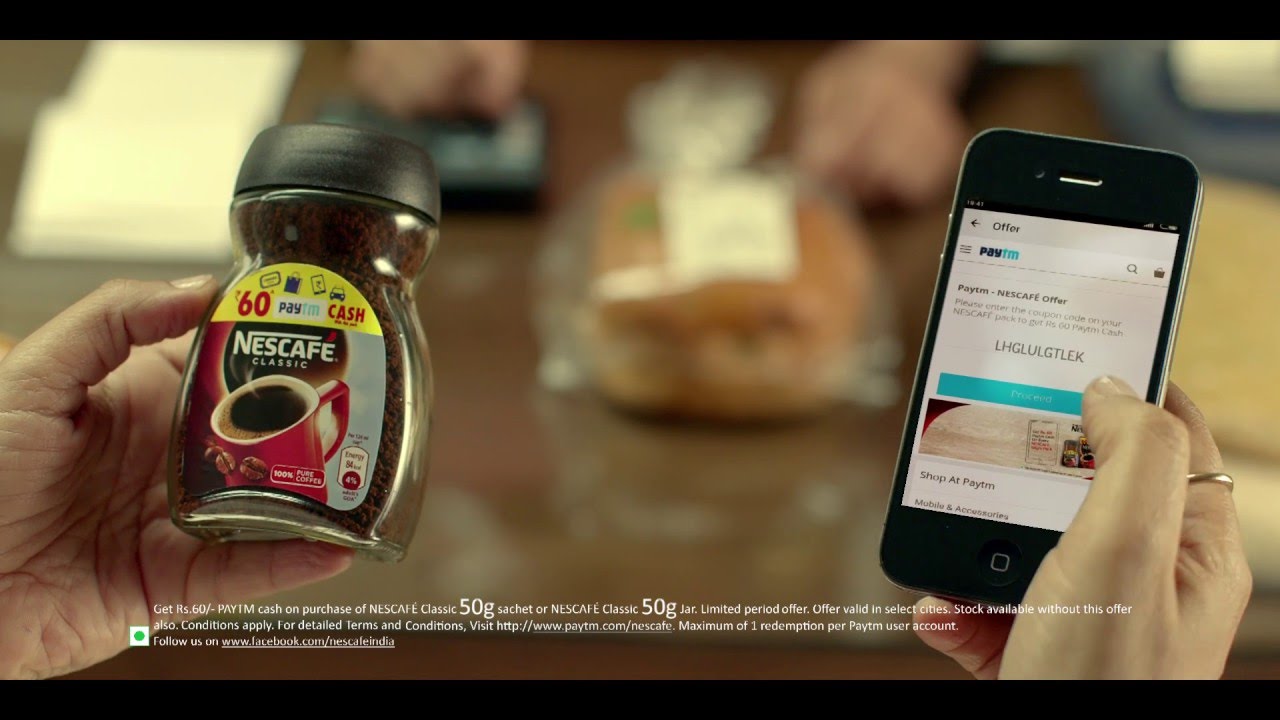
    Paytm Wallet Offers Buy Nescafe Coffee Pack 50g and Enter Promo Code in paytm Nescafe page and get Free Rs 60 in your paytm wallet cash. Please enter the coupon code on your NESCAFÉ pack to get Rs 60 Paytm Cash. Paytm – NESCAFÉ Offer; Please enter the coupon code on your NESCAFÉ pack to get Rs 60 Paytm Cash; Enter Your Code Here. Enter Your Answer Here. Proceed.

    How to Avail Free PayTm Cash with Paytm Nescafe Offer?

    1. Only select packs of NESCAFÉ Classic 50g Jar and 50g Sachet with Yellow colour promo band are available this offer. so before make make sure you buying right pack. Checkout example pack below. Price of 50g Nescafe coffee pack or pouch would be Rs. 119 to 130.
    2. For the 50 g Jar the code is printed on the back panel. You will need to scratch away the silver coating to get code. For the 50g Sachet the cash code is printed inside of the outer red packaging as shown in the image below. Please tear the pack from the crimp carefully to reveal the code inside.
    3. To Redeem code visit  Open Paytm NESCAFÉ website.
    4. Enter your Nescafe code and click proceed.
    5. Login or sign up.
    6. On successful completion of the process you will receive he following message ”Congratulations! Rs. 60 added to your cash account”.

    About PayTm cashback

    • PayTm cashback can be used to shop/recharge on Paytm or pay on partner destinations like Uber, Bookmyshow, Makemytrip etc.

    Paytm Nescafe offer Terms and Conditions

    • Participation in this Promotion namely, Paytm Nescafe Offer (“Offer”) is purely voluntary and optional. This Offer is not valid in conjunction with any other Offer. Products also available without this Offer. By participating in this Offer, each participant is deemed to have accepted these terms and conditions.
    • This Offer is being conducted by Nestle India Ltd (“Nestle”) in association with One97 Communications Ltd.’s (“One97 or Paytm) (collectively referred to as Organizer) on One97’s platform, namely www.Paytm.com (‘website’), for Products defined hereinafter.
    • This Offer is valid in India from 1st April 2016 to 31 July 2016(‘Offer Period’) on purchase of Nescafe Packs referred to as “Products” and on limited stocks only.
    • The Offer is valid for the citizens of India (except the employees and family members of Nestle and One97, their associate companies, their joint venture partners, its co-packers, their distributors, their agents, their advertising and promotional agencies and their auditors.)
    • After purchasing the Products, the participant will get the Coupon code (“Code”) on the packs. After getting this Code, the participant can participate in the Offer in the following manner and avail Paytm Cash. Paytm cash is the term used to define Paytm cash that participant gets when he applies the code on Paytm website . The cash earned this way is stored in the Paytm wallet and is used to purchase products/do recharges on Paytm website only. No cash would be given in lieu of Paytm cash.
    • On successful application of the Code Rs 60 would be added to user’s Paytm wallet within 24 hours.
    • Each code is unique and can be used once
    • A single user account can avail the offer once
    • The coupons would be valid till 31st July 2016. User would not be able to avail the offer after that
  • Freecharge Wallet Rs. 20 cashback on Adding Rs. 100

    Freecharge Wallet Rs. 20 cashback on Adding Rs. 100

    Freecharge Wallet Offers When You Adding Rs 100 and Enter This Promo Code LOAD100 you will Get Free Rs 20 Cashback in your Freecharge wallet.

    How to get Free Cashback When you Add Money in Freecharge Wallet:

    1. Visit Freecharge > Myaccount
    2. Click on “Add Money” in your FreeCharge Account
    3. Enter Min Amount of Rs.100 or more
    4. Scroll down in the checkout page, click on “Apply Promocode” button (Don’t apply in “I have freefund code)
    5. Enter the promocode LOAD100 and click “Apply”
    6. You will see message “Congratulations! Promocode has been applied. Please add money using a Debit/Credit Card (Once per user/CC/DC) You will receive Rs.20 as cashback within 24 hrs of the successful transaction”
    7. Now proceed to add money to your FreeCharge Balance and enjoy your cashback

    Terms and Conditions:-

    • Valid on successfully adding money into FreeCharge Balance on 19th April, 11am to 2pm
    • Valid only on Web & mWeb
    • Valid on minimum amount of Rs.100 added to your FreeCharge Balance
    • LOAD100 promocode has to be applied to avail cashback offer
    • Valid once per user/credit/debit card/mobile number
    • Valid only Credit Card/Debit Card transaction only
    • Cashback of Rs.20 will be credited to your FreeCharge Wallet which can be redeemed within 185 days from date of credit, and is non transferable
    • Not valid for amount added using FreeFund codes/Netbanking
    • Virtual Cards & Cards issued outside India will not be eligible for cashback / reward
    • We reserve the right to end any or all offers at our discretion without any prior notice
  • Goibibo SBI Credit Card Offer on Flight & Hotels

    Goibibo SBI Credit Card Offer on Flight & Hotels

    Goibibo SBI Credit Card Offers on Domestic and International Flight and hotels booking. SBI Credit Card has came up with an amazing free cashback offer on Flight and Hotel bookings offering upto 70℅ off.

    Offer Details:
    • Applicable on Flights & Hotels
    • Booking Period 19th – 22nd April’16
    • Offer Valid on SBI Credit Card Only
    • Apply PROMOCODE to get cashback
    Offer with SBI Credit Card:
    1. Domestic Flights: Flat Rs. 1000 Cash Back on minimum booking of Rs. 6500 Promocode: GOSBIDOM
    2. International Flights: Flat Rs. 2000 Cash Back on minimum booking of Rs. 25000  Promocode: GOSBINT
    3. Hotel: Flat 70% off up to a max. of Rs. 3000 on minimum booking of Rs. 3000 Promocode: GOSBIHOT

    How to Avail Goibibo SBI Offer :-

    1. Search flights or hotels on the Goibibo Web or App
    2. Select flight or hotel of your choice and proceed to booking
    3. Apply promocode from above to get cashback.
    4. Pay with SBI Credit Card only
    5. Enjoy booking and happy travelling!
    6. Get cashback in your Credit Card

    How to get offer?

    • Search flights or hotels on the goibibo app
    • Select flight or hotel of your choice and proceed to booking
    • Search flights or hotels on the www.goibibo.com/mobile app
    • Ensure to apply promocode to get cashback.
    • Enjoy booking and happy travelling!

    Terms & Conditions: Source

    • The Offer is valid on transactions done on Goibibo Web & Mobile application.
    • To avail the Offer Customer need to enter coupon code for respective product booking (as shared above) before payment. If coupon code is not entered correctly then Customer will not receive any cash back.
    • Cash back could be credited to the customer card account for eligible transactions on or before 30th June, 2016 on a best effort basis. The time line provided for effecting credit is only indicative of expected period and may vary from the actual date of credit.
    • The Offer can be availed once per product category (Domestic Flight, International Flight, Hotel) per Credit card.
    • The Offer will be applicable to all SBI Credit Card members during the offer term.
    • All transactions completed during the period starting from 00:00 hrs on 19th April, 2016 till 23:59 hrs on 22nd April, 2016 shall be considered under this Offer.
    • Offer valid on SBI Credit card only.
    • Dates of Travel/Hotel Stay are completely open.
    • The Offer is not valid on EMI transactions.
    • The Offer is brought to the Customers solely by the Goibibo and SBI Cards.
    • It is mandatory for the Customers to pay with a valid SBI Credit card issued in India only to avail the Offer.
    • Offer is valid on all Hotels available on Goibibo except those who do not accept any Promo Codes. Such hotels will be marked distinctly with a mention of “Loyalty based Promotion only” message.
    • Offer is not valid for transactions made on IVR/Phone with Goibibo Customer Care.
    • The Offer is valid 1 per transaction/per Card.
    • Offer is valid on Adult & Child bookings only. Not valid for Infants.